Creating Highlights
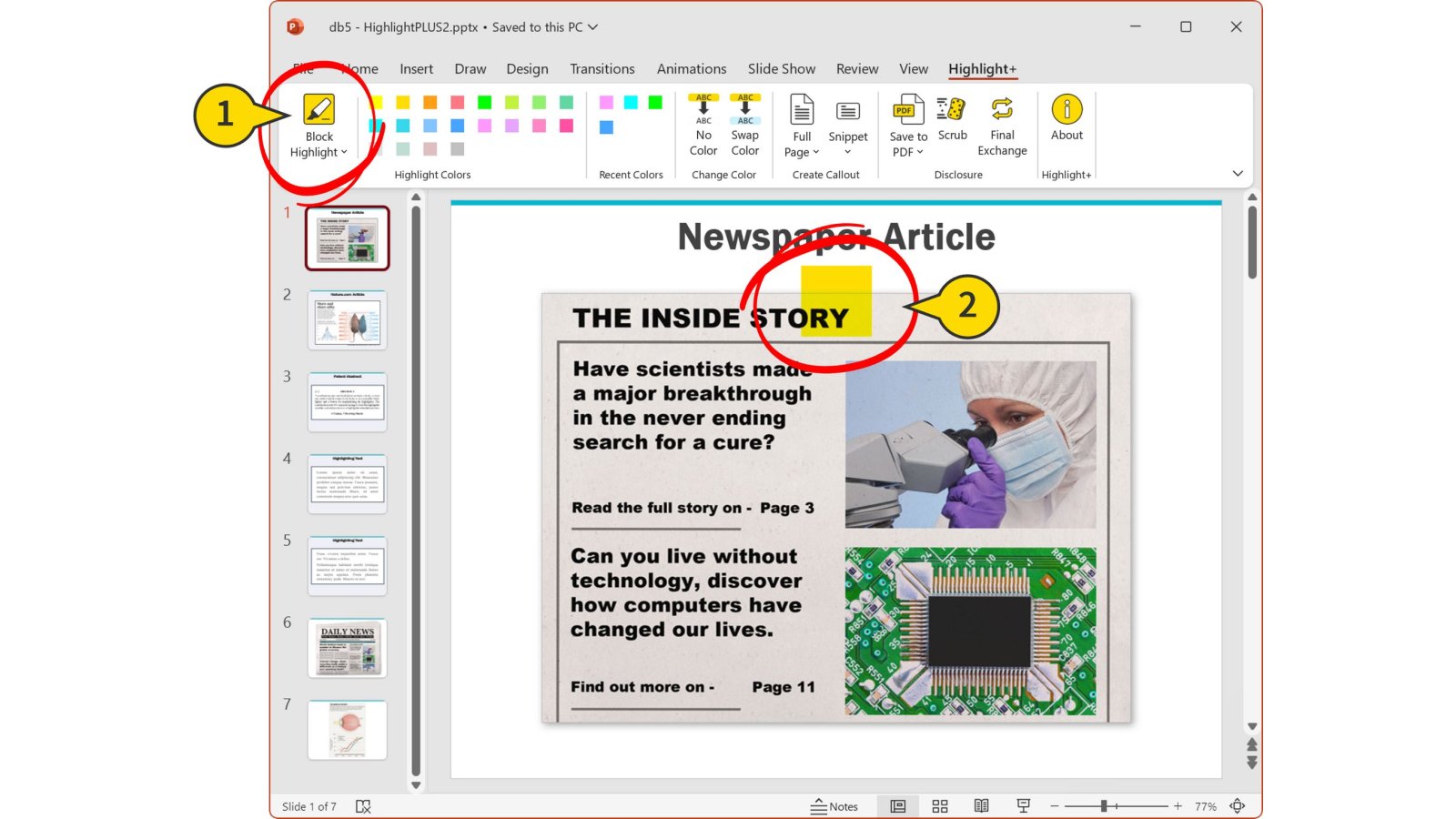
- Click Block Highlight to create a highlight object.
- The highlight object appears, centered, in the upper portion of your slide.
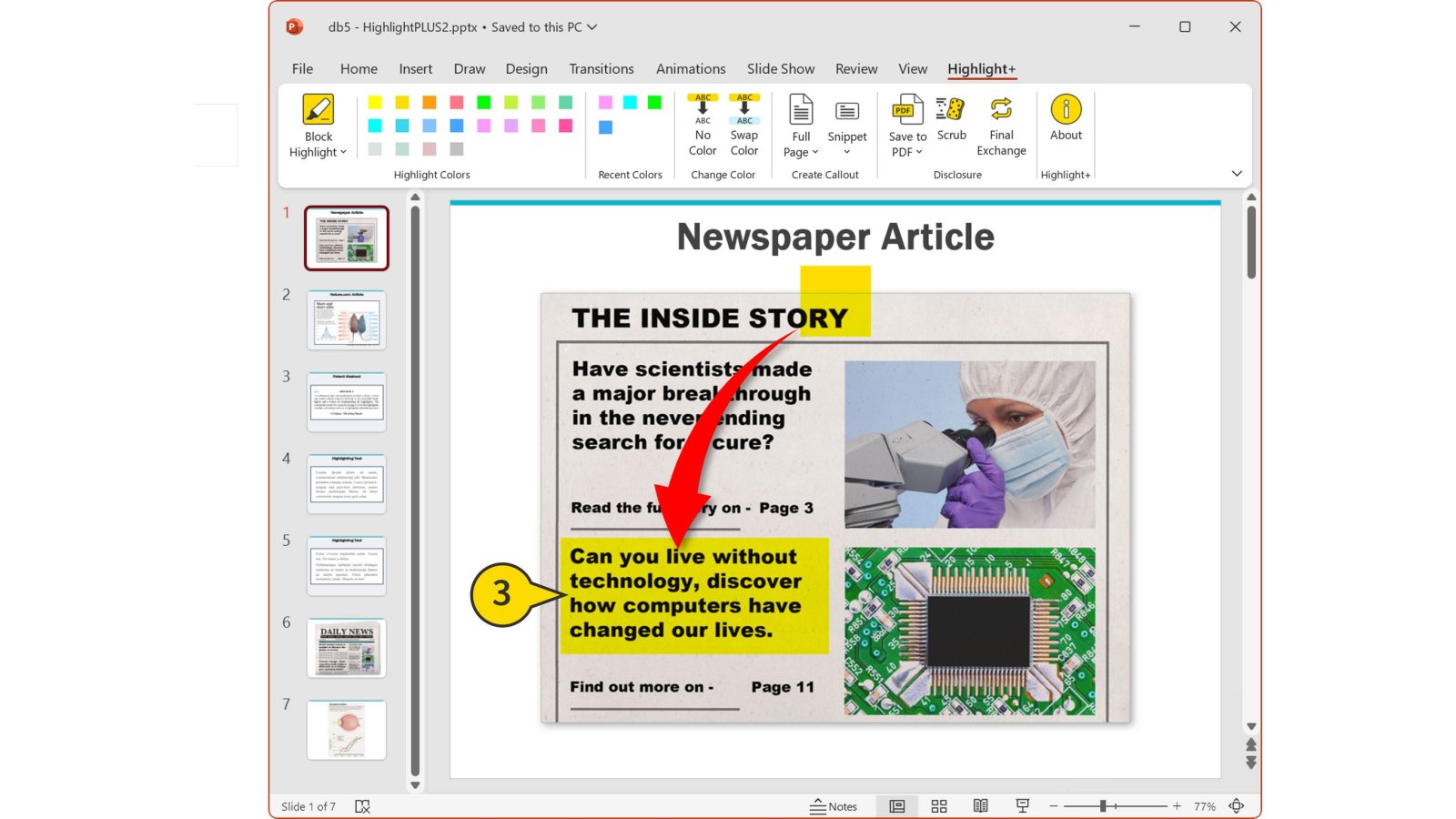
- It can be moved, resized, copied, pasted, etc. like any other PowerPoint shape.
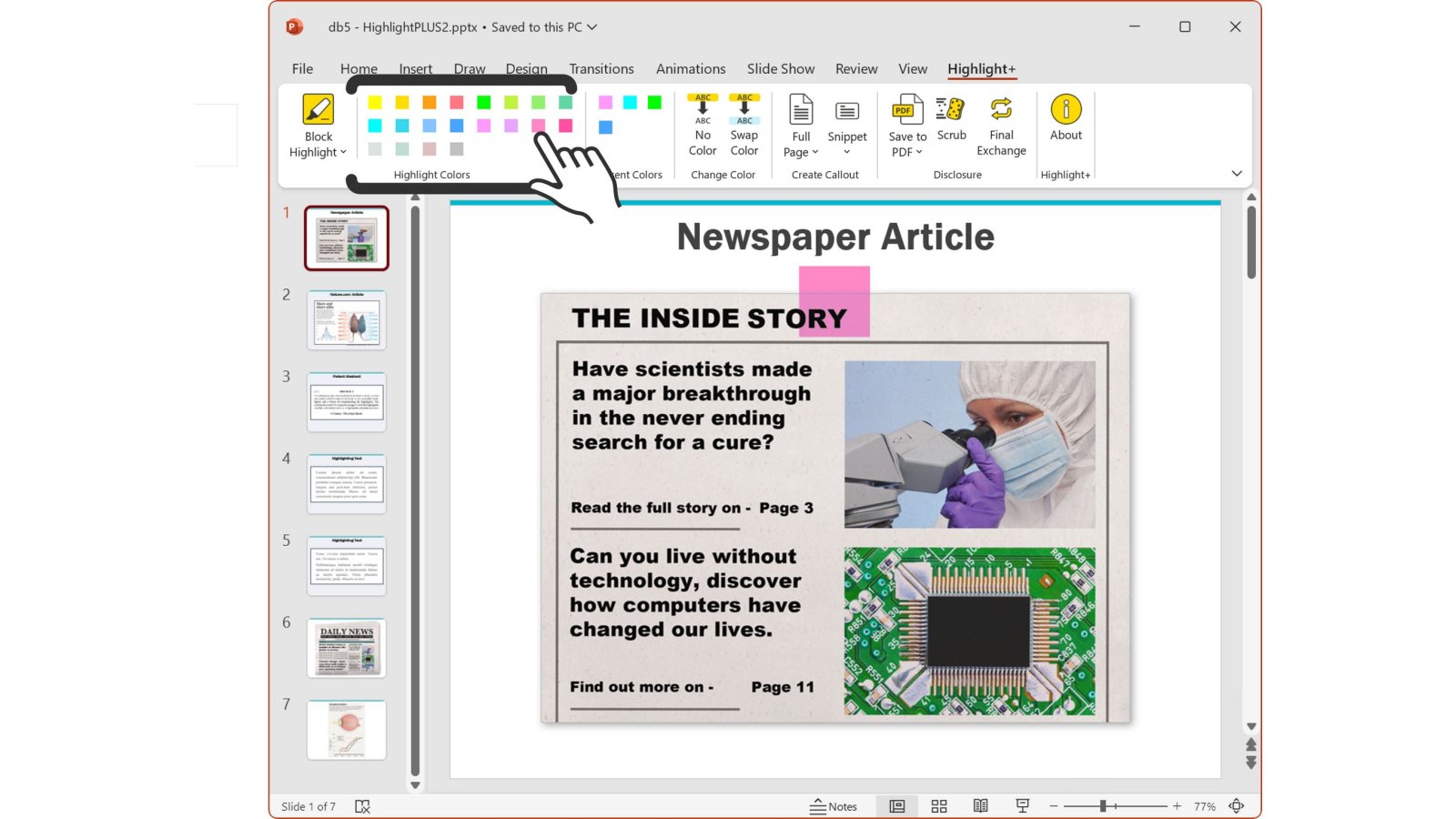
- For additional productivity, clicking any of the colored tiles will create a block highlight object of that color, in the default size and position.