Save & Reuse Your Settings (Case Profiles)
Case Profiles in Final Exhibits 2
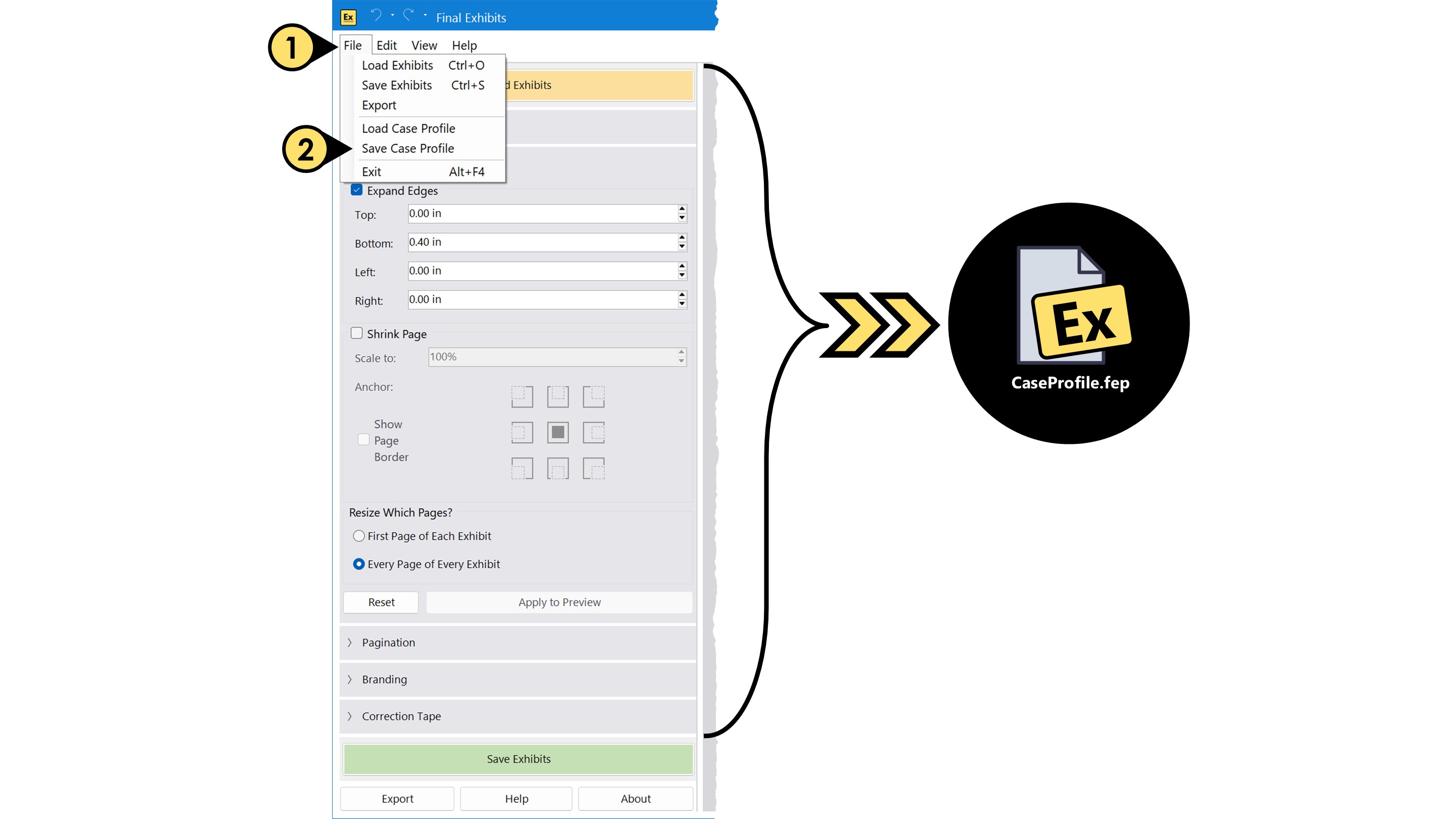
Case Profiles let you save and reuse all your module settings for a specific matter -- making it easy to stay organized when working across multiple matters. When you save a Case Profile, Final Exhibits 2 stores your selections from the left-hand panel, including Exhibit Stickers, Resize Pages, Pagination, Branding, and Correction Tape.
To save a Case Profile:
- Click the File dropdown menu
- Select Save Case Profile
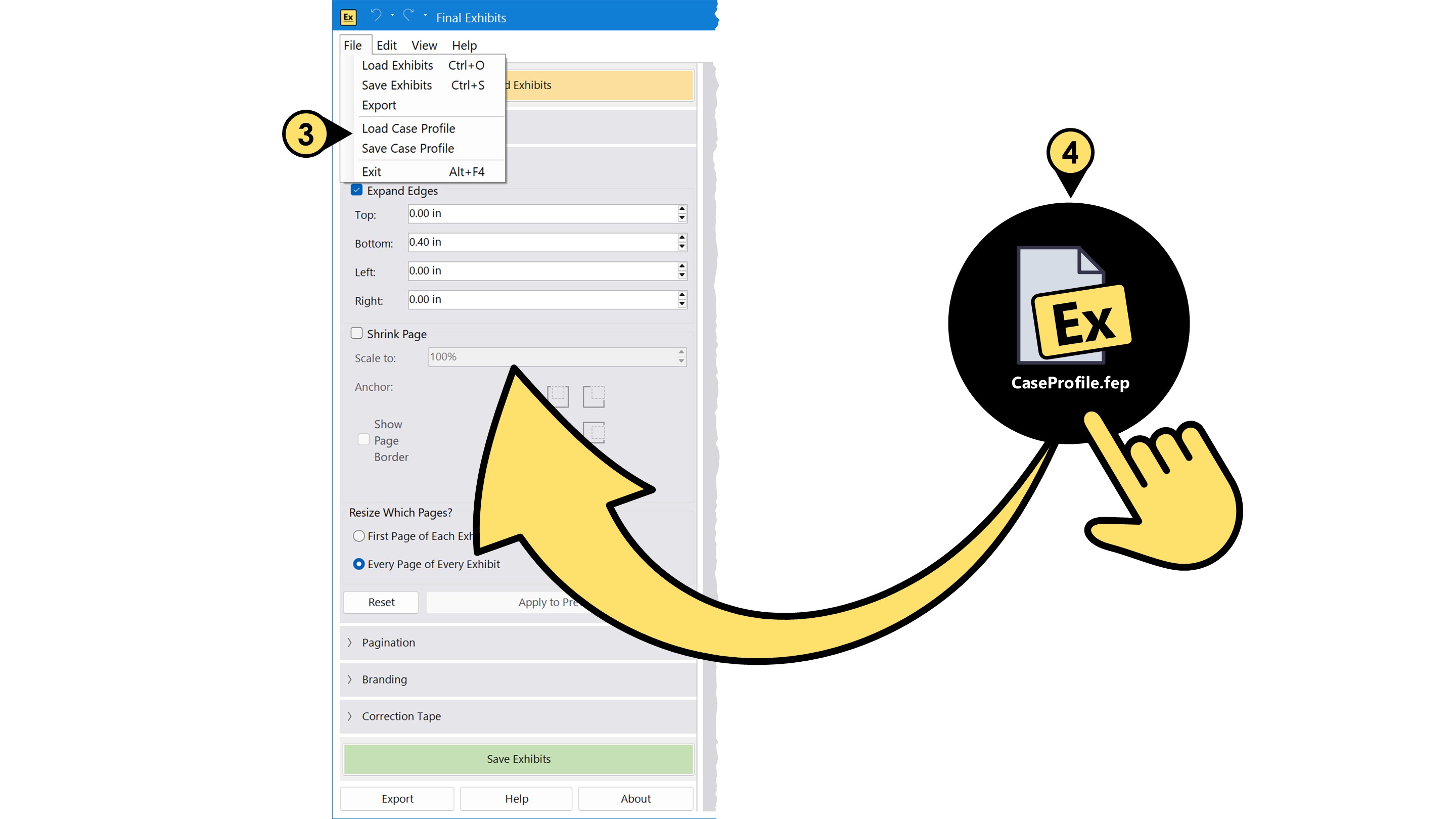
To load a Case Profile:
- Choose Load Case Profile from the File menu, or
- Drag and drop the .FEP file onto the open Final Exhibits 2 window