Internal Error, During Activation
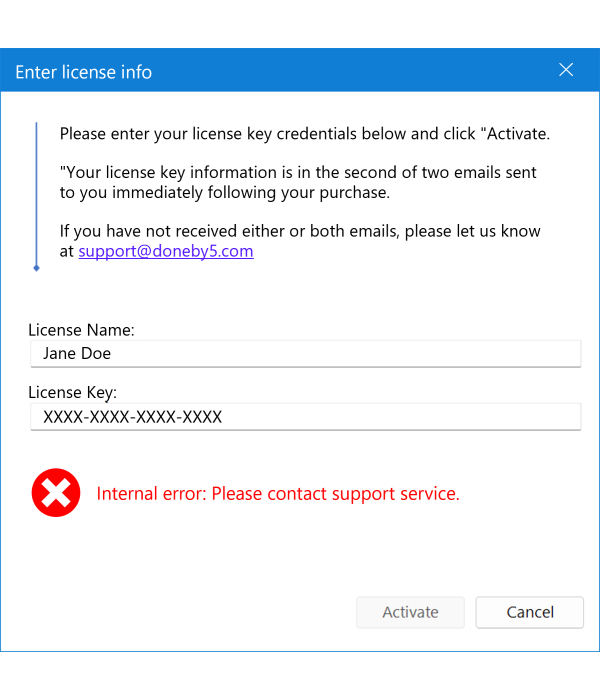
"Internal Error: Please contact support service."
If your activation of Final Exhibits fails with an "Internal Error" as above, please verify that your computer's clock is set correctly:
- Check the computer's clock
- Is the date, time, and time zone correct?
- Force a time sync
- Right-click the clock on the toolbar and click Adjust date/time
- Turn on Set time automatically and Set time zone automatically if allowed.
- Click Sync now.