Resizing Your Placed Sticker
Final Exhibits 2 now allows resizing as you would expect.
- Select the sticker, and note the blue anchor in the lower right corner of the sticker.
- Click the anchor and resize the sticker by dragging the corner in and out.

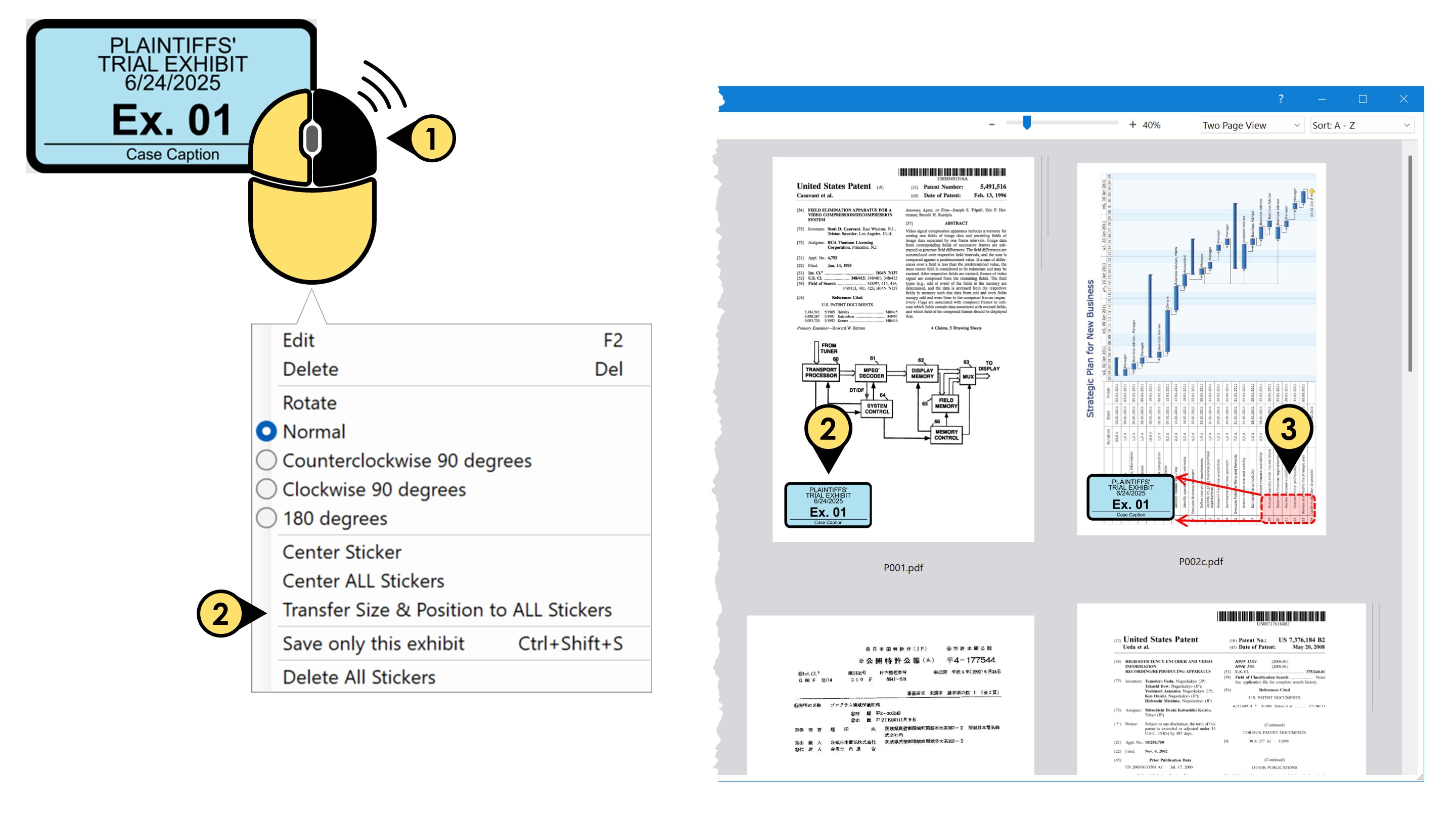
But how I change the size of ALL of the stamps??
- Right-click a placed sticker
- Click Transfer Size & Position to ALL Stickers to conform all of the stickers to the size and position of your selected sticker.