Save Options
Saving Your Stamped Exhibits
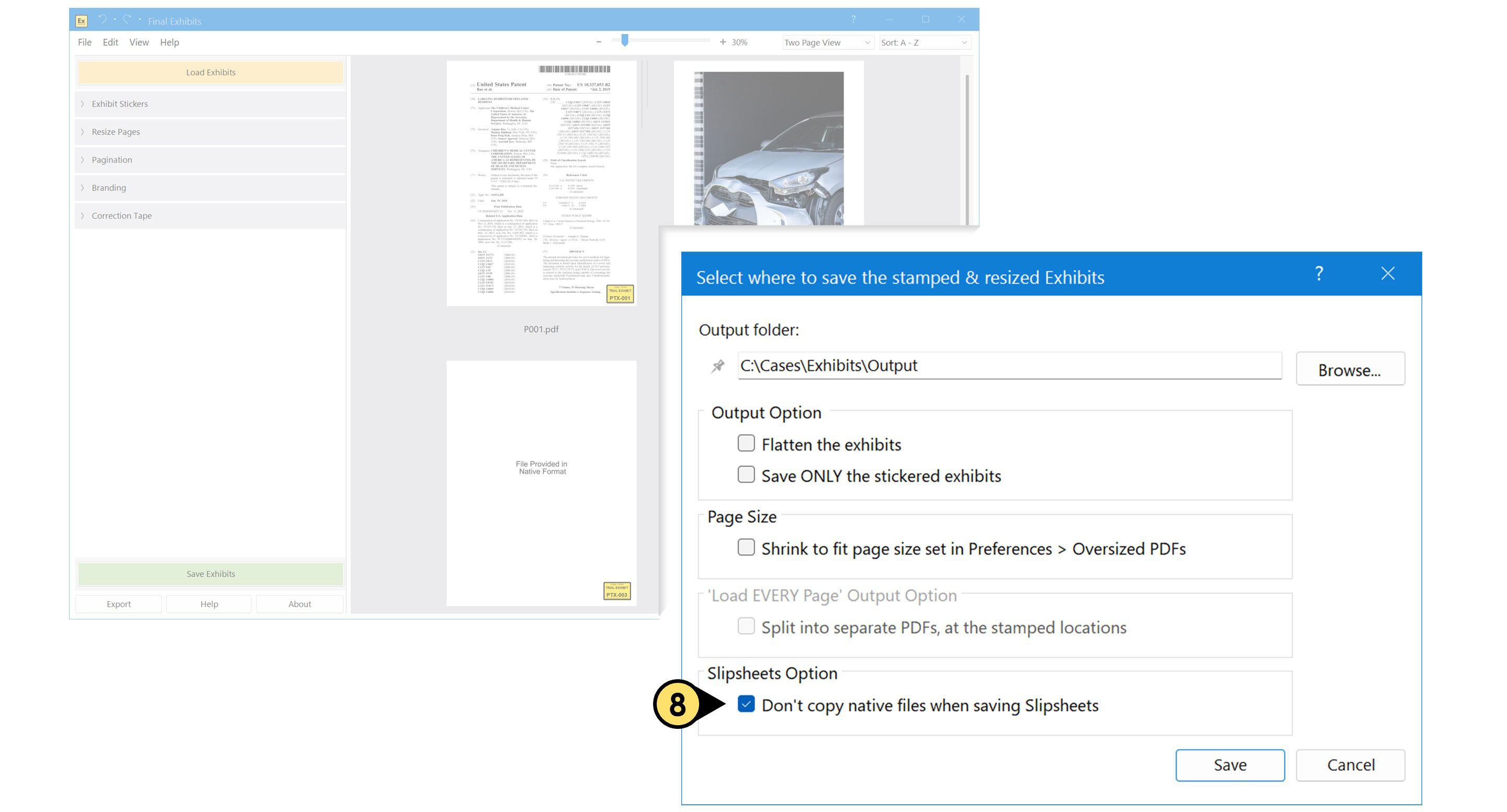
- Click Save Exhibits to begin.
- When prompted, browse to choose a save location; or simply use the default “Output” folder that Final Exhibits creates for you.
- Click Save, and you're all set.
Final Exhibits never overwrites your original files—your source exhibits stay untouched.
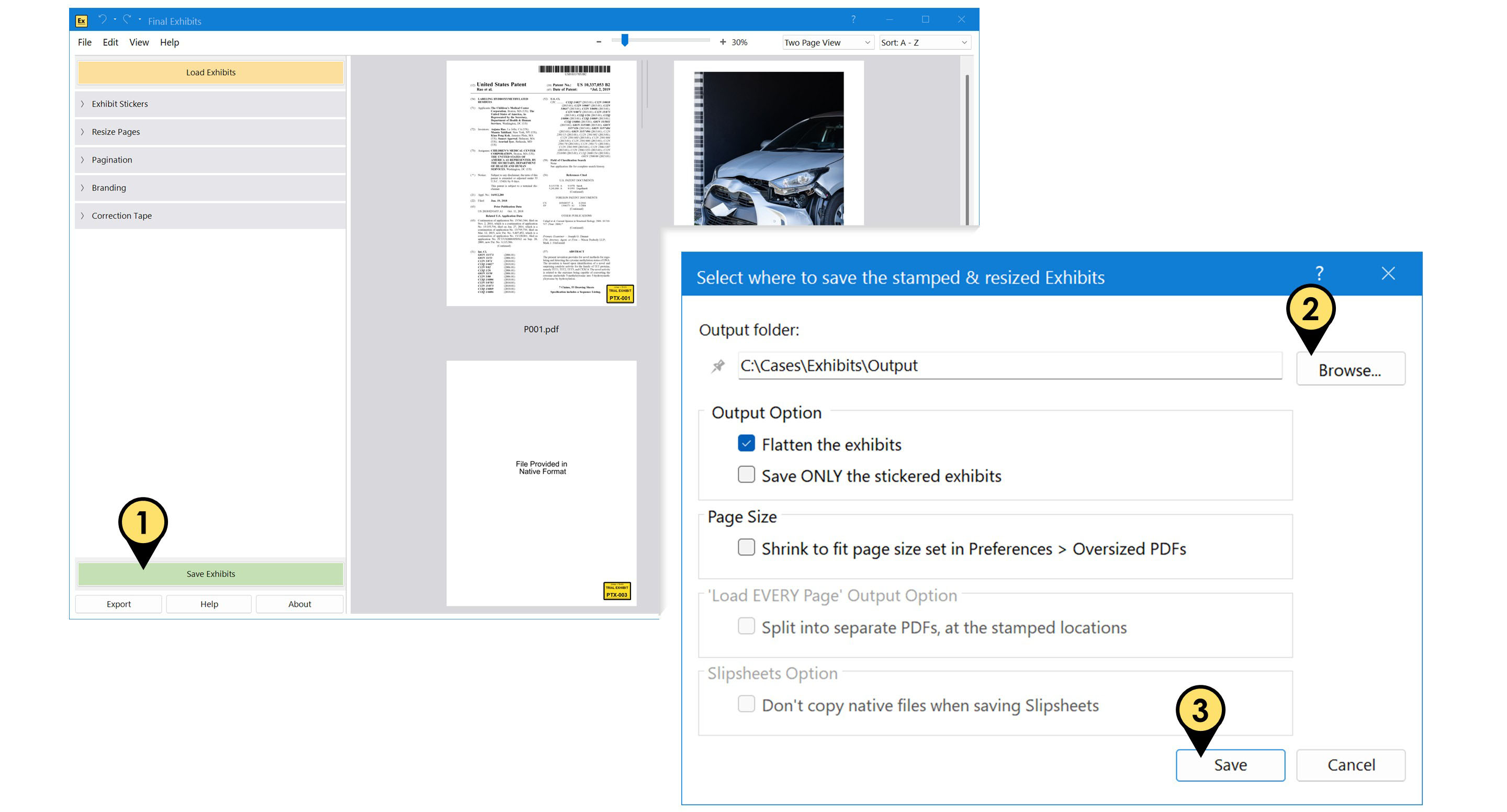
- Click the Pin icon to lock in your preferred output folder. Once pinned, Final Exhibits will continue saving PDFs to that location—even after you close and reopen the application—until you disable it.
Output Options
-
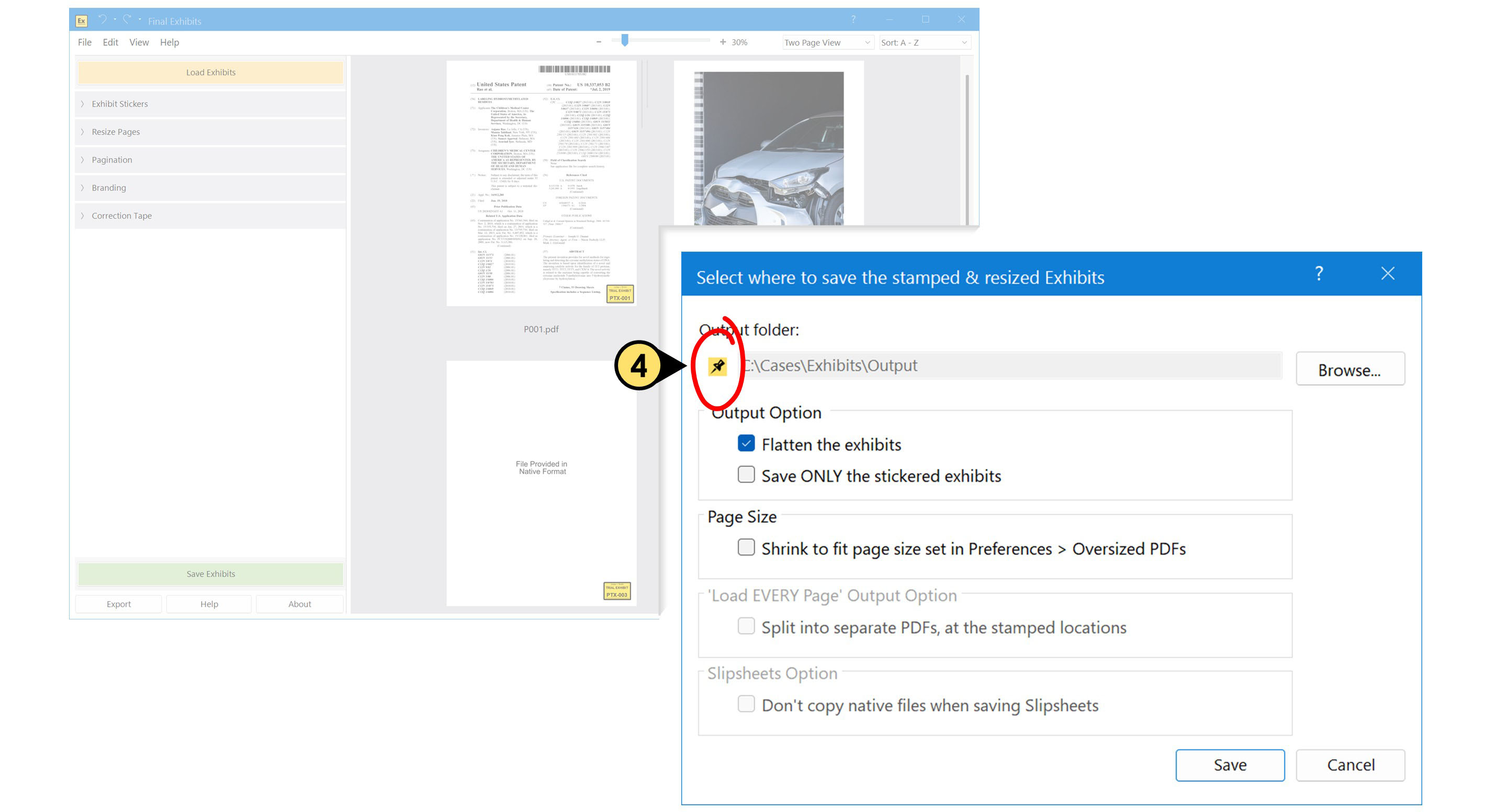
By default, Final Exhibits flattens all stamps and forms in your saved exhibits, ensuring they appear exactly as seen.
What is flattening, anyway, and why do I care?
Flattening converts PDF elements—such as form fields, annotations, or layers—into their visual equivalents (text, lines, shapes, and images) so they display as static page content. It is not a method of preventing editing; we offer flattening because some ECF filing systems require PDFs to be flattened to ensure consistent rendering upon submission. -
Final Exhibits also saves every loaded exhibit by default.
- To save only the exhibits you've added stickers to, check “Save ONLY Stickered Exhibits.”
Shrink exhibits during save
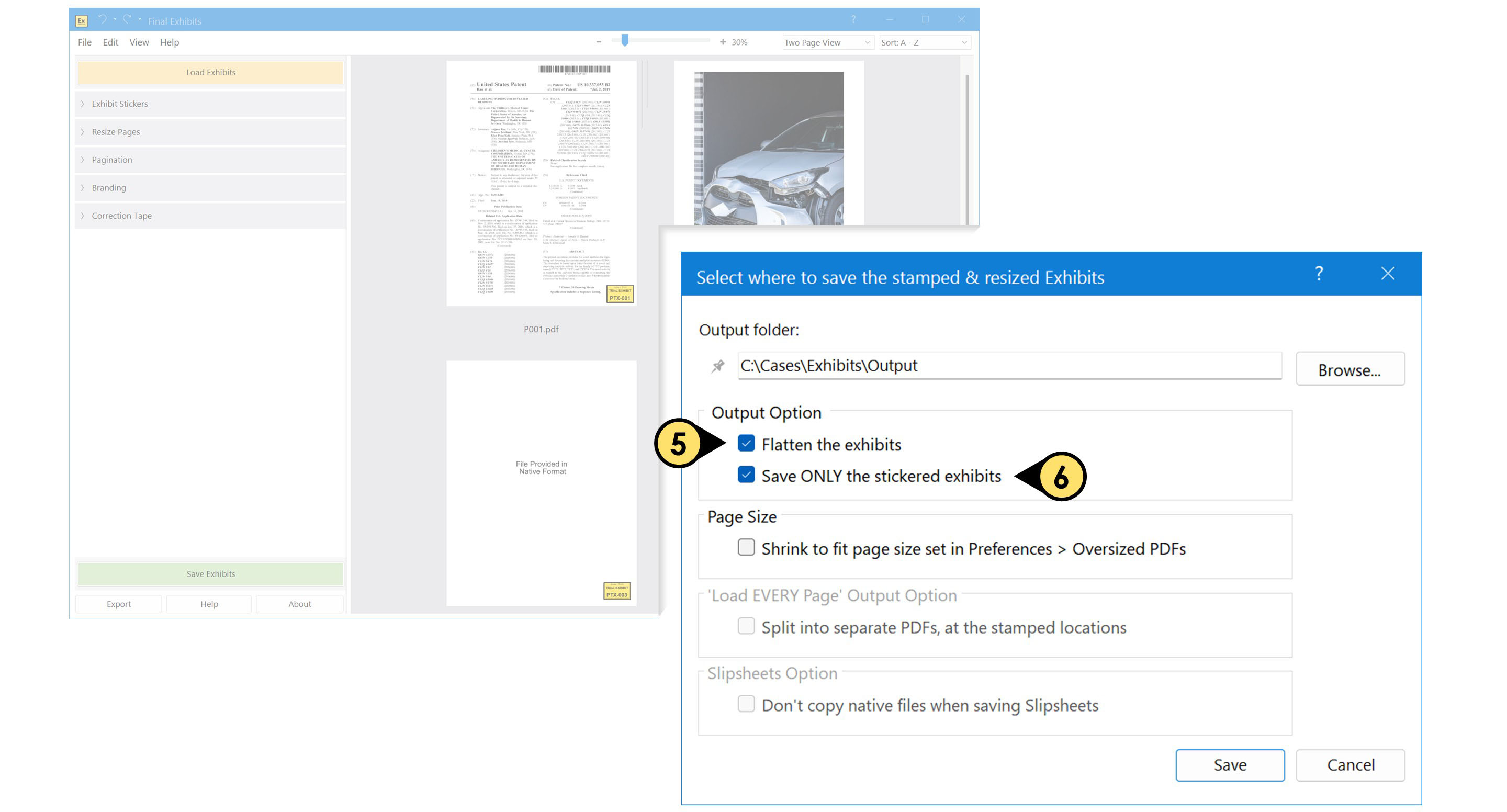
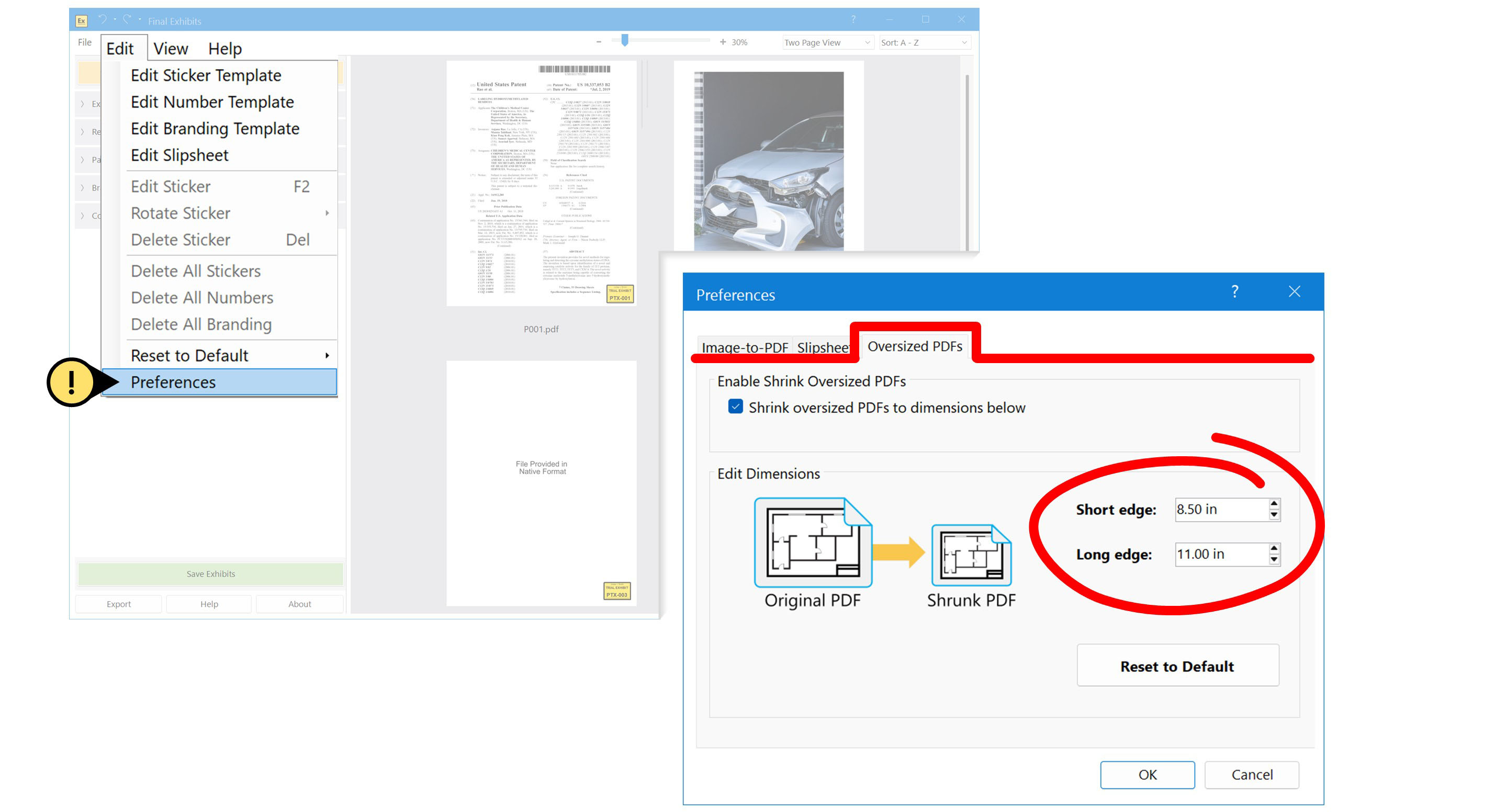
- Enable this option to automatically scale down documents during the save operation. E.g. you can make sure all saved documents fit inside an 8.5x11 inch page size, ensuring the entire visible page prints without getting cut off—no need to rely on someone manually selecting the right print settings in Acrobat or other software.
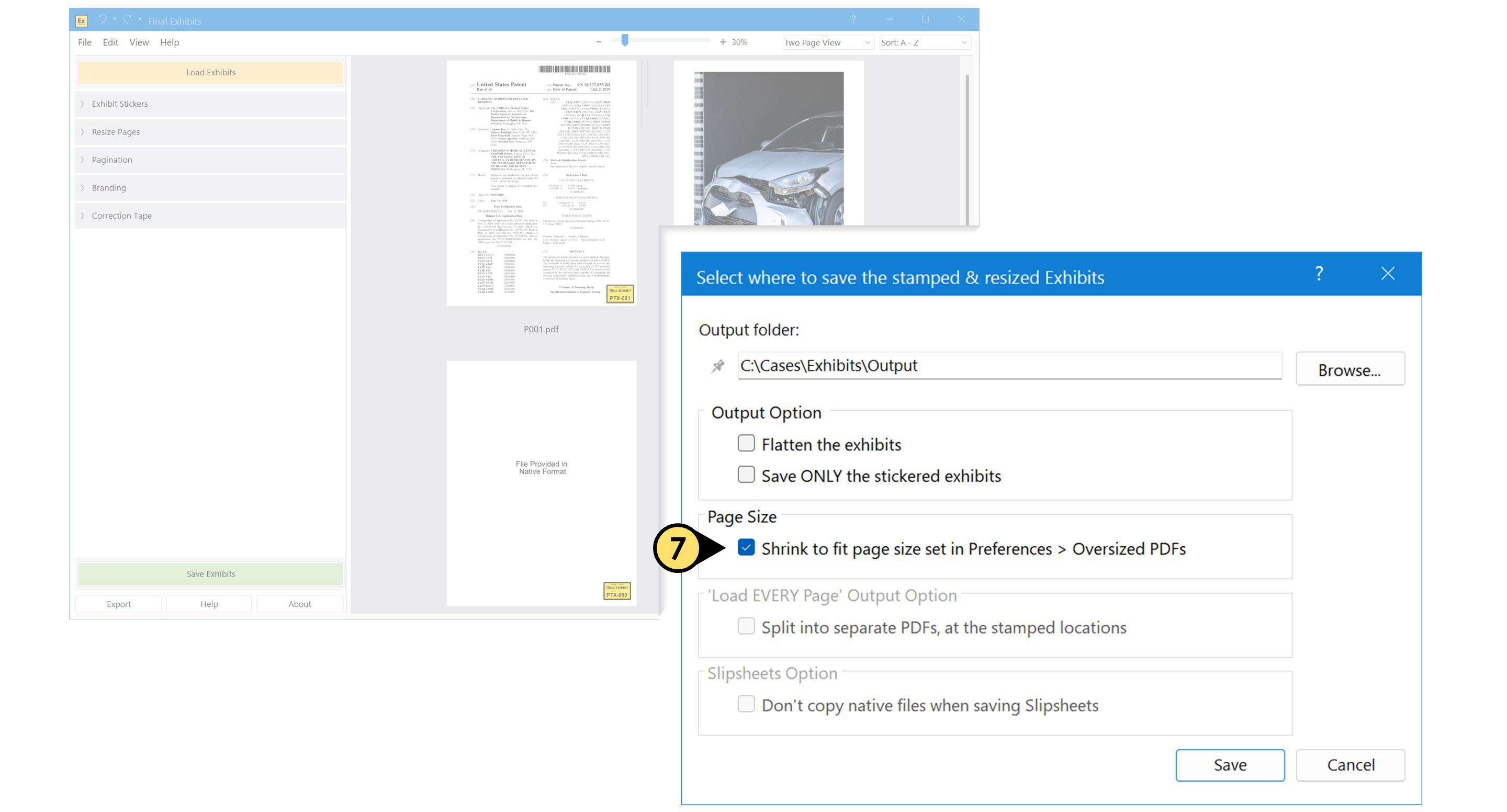
The default page size is 8.5" x 11" but it can be modified by adjusting the dimensions in the Edit > Preferences window under the Oversized PDFs tab
Don't Duplicate Native Files when Saving Slipsheets
- Check this box to prevent Final Exhibits from creating duplicate copies of your native-format files in the output folder. This is especially useful when working with large files, such as video or high-resolution media, where duplicating the originals would consume unnecessary storage space and add avoidable processing time.